 NovelForge
Keep the story straight
Organize character profiles, worldbuilding notes, timelines, and chapter outlines in the same project. Look up earlier events as you work on the next chapter.
Open-source AI novel writing software
Build your world, develop your characters, and write each chapter in one desktop workspace. When you want help, the AI writing assistant can draw on your notes and earlier chapters.
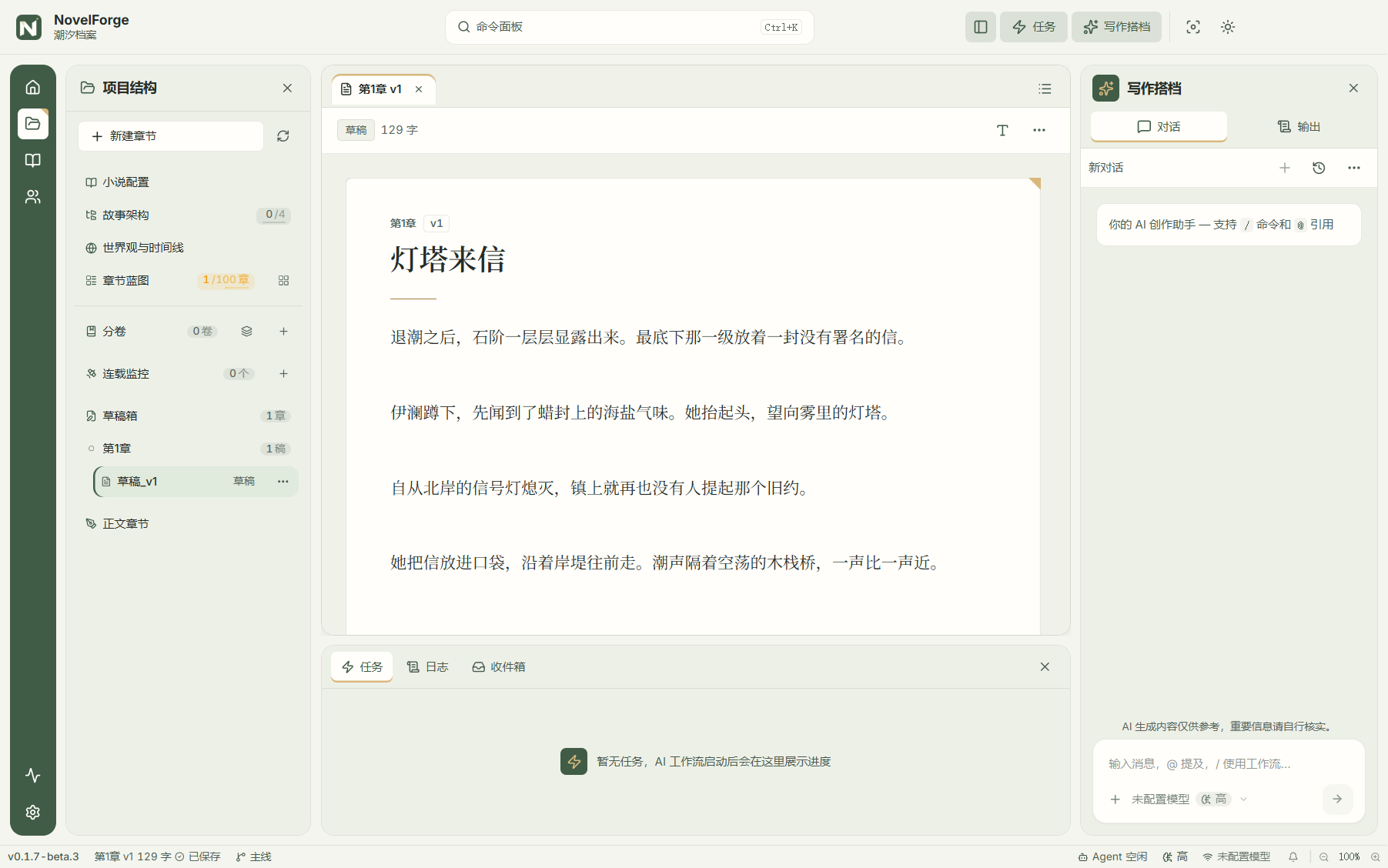
Organize character profiles, worldbuilding notes, timelines, and chapter outlines in the same project. Look up earlier events as you work on the next chapter.
Draft chapters in the manuscript editor and keep multiple versions. Ask the AI assistant to develop an outline, rework a selected passage, or review a chapter.
Manuscripts, notes, and search indexes are stored on your device. Choose a local model or a cloud provider. Cloud models receive the request and the context you include.
The recordings show the Chinese interface. Follow the English steps below to set up a project, edit a draft, and read it back.
Get the Windows installer or portable edition from the latest stable release. The app is available in Simplified Chinese, English, and Russian.